What a text diff shows
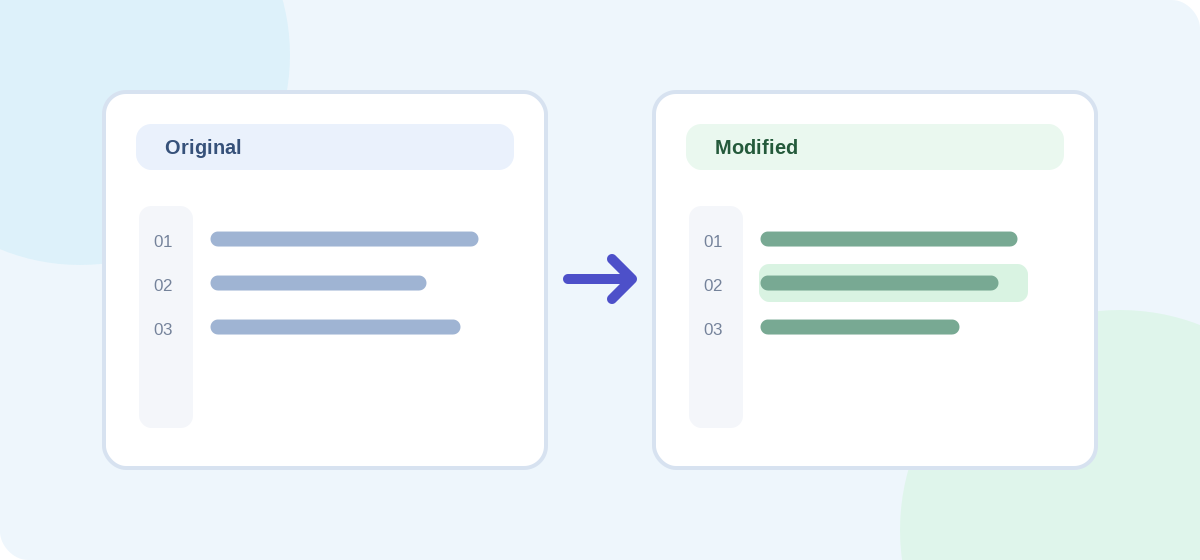
A diff aligns two text inputs and marks additions, removals, and replacements. It can make an edited setting or sentence easier to spot, but it does not tell you whether the change is correct or safe. Read the surrounding lines before accepting a change.
mode = "light";mode = "dark";The value changed from light to dark. A text diff identifies the changed characters; you decide whether that behavior is intended.
Compare two versions step by step
- Place the earlier version in Original and the new version in Modified. Confirm the sides before reviewing.
- Let the comparison update after editing, or use Compare when available. Navigate between changes and inspect their source lines.
- Choose Split for a side-by-side view or Unified to read both versions in one sequence.
- Use merge controls only after reviewing each change; replacing editor text requires an explicit confirmation.
Options and file imports
Case Sensitive starts on, and Ignore Whitespace starts off. When whitespace is ignored, runs of spaces or tabs are normalized for matching. The original editor text remains intact. CRLF and LF line endings compare as equivalent, while a final-newline difference remains significant.
The import flow accepts text and common code files, CSV, DOCX, XLS, XLSX, and PDF. Each file is limited to 2 MiB; extracted text and comparison work have additional limits. Spreadsheet imports use the first worksheet. PDF import extracts text without OCR and may not preserve visual reading order. These are text comparisons, not document-layout or formula comparisons.
Text comparison is not semantic code analysis
The tool compares code, JSON, YAML, and XML as text. It does not parse JSON into objects, validate a program, run code, or determine whether two versions behave the same. A changed quote, key order, or whitespace may be visible even when a specialized parser would interpret the data differently.
For a JSON-aware comparison that reports object paths or distinguishes values from formatting, use a tool built for that job. For literal JSON text, Diff Checker can still help you inspect a revision.
Local processing, saves, and share links
Comparison and file extraction run in your browser; the compare action does not upload editor text. Draft recovery and named saves use browser storage on the current profile and are not encrypted. If you choose Share, the URL fragment contains compressed comparison text that anyone with the link can read. Compression is not encryption. Avoid saving or sharing sensitive text on a shared device.